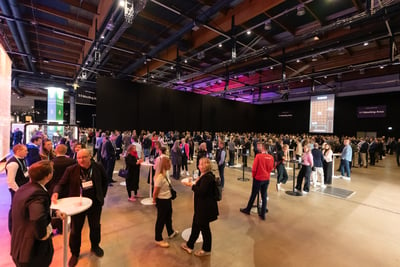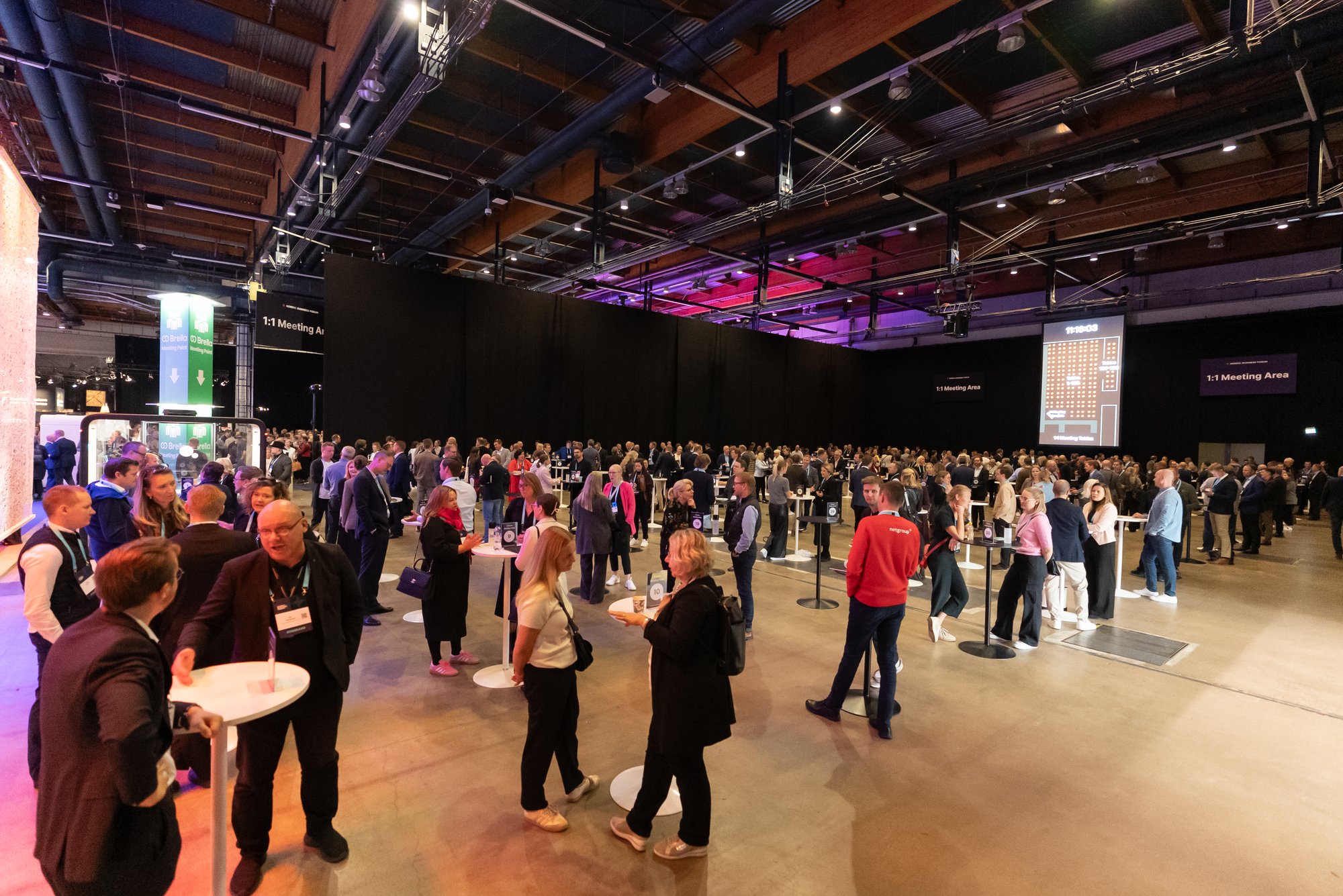
At 8:30 a.m., the doors open to 2,000 attendees. One sponsor is already scanning the room for the prospects they came to meet. A hosted buyer checks a schedule with eight meetings packed into the day. An investor has twenty new requests waiting in their inbox. Somewhere nearby, a first-time attendee opens the event app and wonders where to begin.
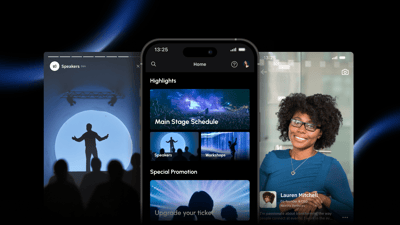
They are all at the same event, but they are not experiencing the same event. They came with different goals, care about different people and content, and will make different choices throughout the day. The organizer's challenge is making each of those experiences feel intentional without manually designing 2,000 different journeys.
That is what personalization at scale should solve.
What a personalized event actually means
A personalized event is one where the experience adapts to each group of attendees, instead of treating everyone the same. In practice it means four things: who each group can network with, what content they can access, what they are invited to, and how they appear to others. You decide those on purpose, per group, from one setup.
For years, event software flattened those differences into one audience. Everyone got roughly the same agenda, the same networking experience, and the same communications. That was the limit of what the tools could do. Today it is simply behind the times. A modern event platform should let you run the several experiences already inside your event.
This playbook walks through that decision section by section, from mapping your audiences on paper to letting ticket type sort everyone automatically. Sponsors and hosted buyers run as the worked examples throughout, but every group on your map gets the same treatment. The examples use Brella and its Dynamic Registrant Lists, but the thinking works anywhere.
Map your audiences before anything else
An event is several audiences in one room. Sponsors want pipeline. VIPs want to feel like VIPs. Hosted buyers want a tight schedule. Speakers want to be found by the right people, not everyone. General attendees want to explore. Planning a single experience for all of them means each group gets an average one, which is to say, no one's.
Personalization is just deciding, on purpose, which groups get a different experience and in what way.
Do this on one page, before you open any software. List the groups at your event down the left, and for each, note four things: how they should network, what content is just for them, what you need to message them about, and how they should appear to others.
.png?width=3200&height=1920&name=group-experiences-table-simple-dark-1600x960%20(4).png)
Most events have five to ten groups that genuinely need different treatment. If a group needs nothing different, it does not belong on the map. The map is the whole strategy. Everything after this is execution. The sections that follow work through the first two columns in depth: networking and special content, because that is where most of the deciding happens. Communications and visibility follow the same logic once those are set.
With Brella, each row becomes a list, and the four columns map directly to the settings a list carries.
How to improve sponsors' ROI with tailored event experiences and lead capture
A sponsor buys into your event for leads, then finds on the first morning that their team has the same app as a standard attendee. Three reps chase the same contact while the buyers they came for walk past the booth.
.png?width=604&height=518&name=Frame%2011395%20(2).png)
Your highest-paying sponsor gets the same app as a standard attendee. That is a choice your software is making, and you can change it.
The principle: give sponsors a priority group whose settings come first, with lead scanning on and a higher meeting cap, so they get the experience their spend implies. A person can belong to more than one group, but only one group's settings apply. Which group wins is a rule you set, and we come back to it further down.
With Brella, you can give sponsors the visibility and opportunities that match their sponsorship tier. Through the Sponsor Portal, sponsors can create tailored lead-qualification questions to identify the most relevant prospects.
You can also help sponsors generate enough high-quality meetings to reach their meeting targets and maximize the value of their participation. Any sponsored session, activity, or activation can be promoted specifically to the sponsor's target group, helping them connect with the right attendees and achieve measurable results.
How to set matchmaking rules for each attendee group
Open networking sounds generous, but it is the fastest way to waste your most valuable attendees' time. A hosted buyer who came for eight meetings does not want two hundred requests. A speaker does not need three hundred coffee invitations. Some groups should meet freely, some should be protected, and some should only meet each other.
The principle: for each group, decide who they should be able to reach, and who should be able to reach them. Treat those as two separate questions. Your buyers might be open to requests from sellers but capped so their day stays manageable. Your VIPs might only appear to each other.
Speakers and VIP ticket holders can have a tailored, exclusive experience while being protected from unwanted meeting requests. You can define who is allowed to contact these high-tier attendees, as well as who they can send meeting requests to. VIP-level content, activities, and experiences can also be restricted to specific ticket types, ensuring they are visible and accessible only to the attendees who are entitled to them.
Each list sets its own networking rules in both directions, and a meeting happens only when both sides allow it. According to Brella's networking report, events on Brella see a 38–40% meeting acceptance rate against a 15–20% industry average — matching the right people is a large part of the difference.
How to reduce no-shows in hosted buyer meetings
With the Brella app, hosted buyers get a clear, personalized meeting journey. They can easily see who they are meeting, where the meeting takes place, when it starts, and why the connection is relevant, helping them move smoothly between meetings and arrive on time.
The principle: give hosted buyers a schedule they can trust: pre-scheduled meetings, deliberate gaps, and a visible reason for every match. Combine that structure with open networking, and set different rules for different groups. Brella also lets you tailor networking based on ticket type, attendee category, or more detailed criteria.
The result is a more structured and relevant hosted buyer experience that helps reduce no-shows and keeps the meeting program running smoothly.
How to build curated programs across ticket types
An executive roundtable, a closed investor track, and a hosted dinner for thirty. The guest list is chosen by who belongs in the room, not by billing tier. A VIP pass holder and someone on a standard ticket might both belong at that table.
The best table at your event does not care what ticket anyone bought. Your software should not either.
The principle: build your high-value programs by hand, from whoever belongs, regardless of ticket. A roundtable of thirty is a curated guest list, not a ticket tier. Treat it as its own group with its own access and its own networking.
This is what custom lists are for. You build one by hand, pull in the exact people you want regardless of ticket, and give the list its own networking, content, and settings. Thirty names from five ticket types, one program, curated by you.
Because a person can sit on any number of custom lists at once, the same executive can be in your investor track, your speaker group, and your VIPs list at the same time. Each is a layer on top of the one ticket they hold. You curate the room. The ticket stays out of the way.
How to gate sessions for specific groups
Not everything on your agenda is for everyone. A paid masterclass, a partner-only briefing, a green room schedule for speakers. These belong to a slice of the room and should be invisible to the rest.
Show the masterclass to everyone and it stops being worth paying for. Access is something you grant, not something you leak.
The principle: default content to open, then gate only what genuinely needs it. Think of access as something you grant a group, not something you take away from everyone else.
Content works the opposite way from settings. Where a setting picks one list and lets it win, content adds up. A person can see a gated session if any of their lists has been given access to it. Being on more lists only ever adds access, never removes it.
That turns a custom list into an access pass. Build a masterclass list, grant it the session, add the forty people who paid. They gain it on top of everything their ticket includes, and no one else sees it exists. Leave a session ungated and it stays open to everyone. You draw the line only where you need one.
The same move covers the quieter cases, backstage logistics for speakers, a sponsor's private briefing, a document only the board should read. One list, granted to one thing, seen by exactly the right people. Session access can also be automated through integrations based on ticket type, purchase data, and additional criteria.
How attendees get sorted automatically by ticket
Everything so far took a decision from you. Someone set the sponsor's access, curated the roundtable, drew the line around the masterclass. The base layer asks nothing at all.
The moment someone buys a ticket, your event organizes itself. Everything else is the exceptions you choose to build.
The principle: automate the obvious segmentation, by ticket or registration type, so your effort goes only into the groups that need a human decision. If you never built a single custom program, the event should still be organized on day one.
Every registrant lands on the list that matches their ticket, and belongs to exactly one, always. Build no custom lists and your event is still fully organized the day it opens. The baseline is there from the start, without you setting anything up, and your hand-built custom lists layer on top.
A planning checklist
- Every group that needs different treatment is on your map
- For each group, you have decided networking, content, comms, and how they appear
- Your high-value programs are defined by who belongs, not by ticket
- Only the content that needs gating is gated, the rest is open
- The automatic baseline covers everyone before any curation
- One person owns reviewing the whole setup before doors open
Where to take it next
Your event was never one event, and now your software stops pretending it is. The baseline organizes itself by ticket. Everything that makes your event more than a ticket, you build on top, one list at a time.
The doing depends on your platform. If you run on Brella, every step here maps to a list and its settings, and your customer success contact can set the whole thing up with you. Talk to the Brella team and we will map your groups together.