
Improved Filtering
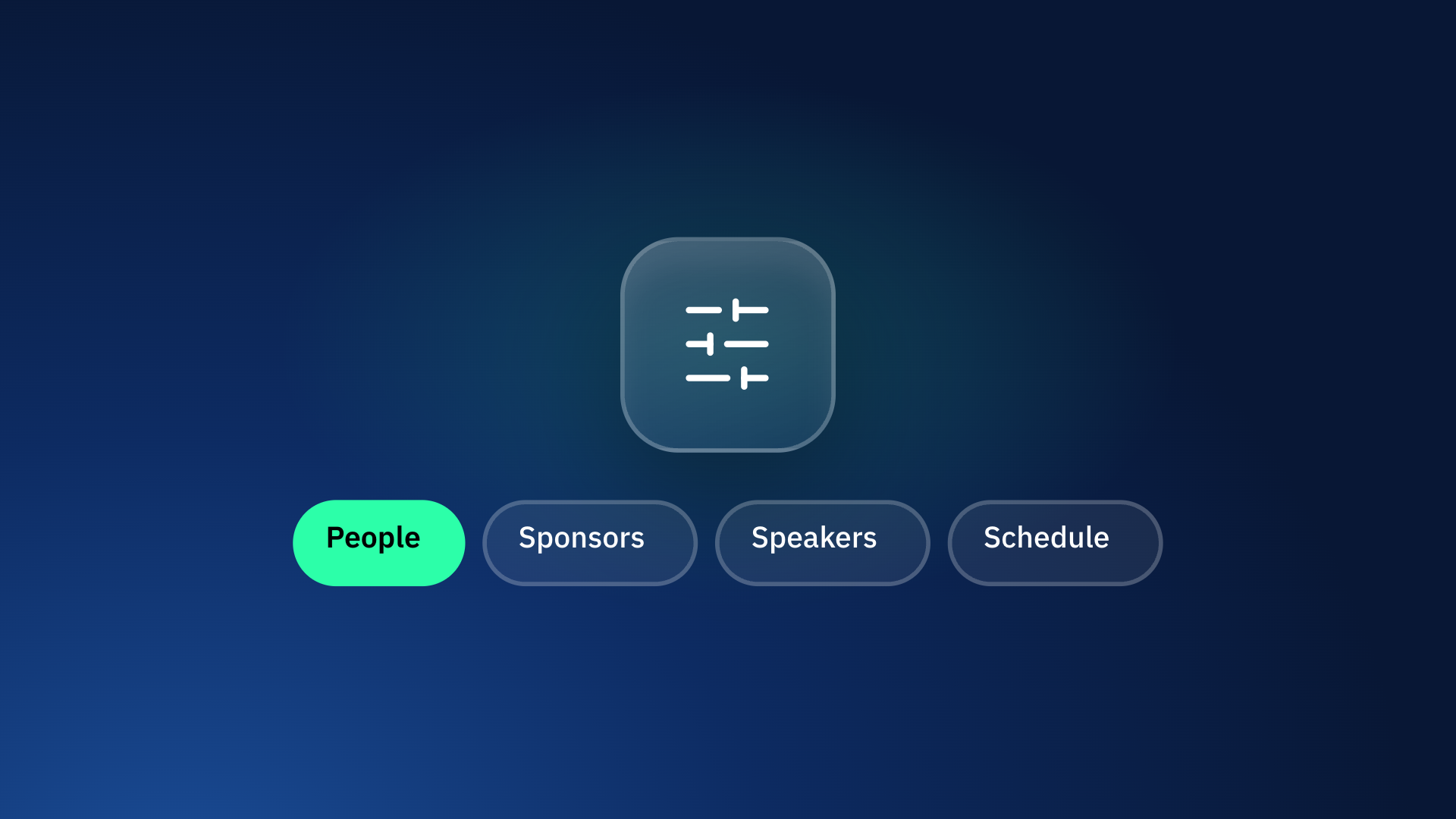
People, Sponsors, Speakers and Schedule now share one way of filtering in the mobile and web apps.
What
-
Tapping a filter chip opens its options in a bottom sheet, and "Filters" shows every category at once.
-
Filter chips show how many options are selected in each category, and a "Clear filters" chip appears as soon as anything is selected.
-
Custom field filters set up for the event, such as a custom "Region" question, work on all four lists, including custom sponsor pages, where each page keeps its own selections.
-
When a Home page tile opens a pre-filtered list, the web link keeps those filters, so it can be shared or reloaded without losing them.