
TitoxBrella Sell tickets with Tito and send them straight into Brella.
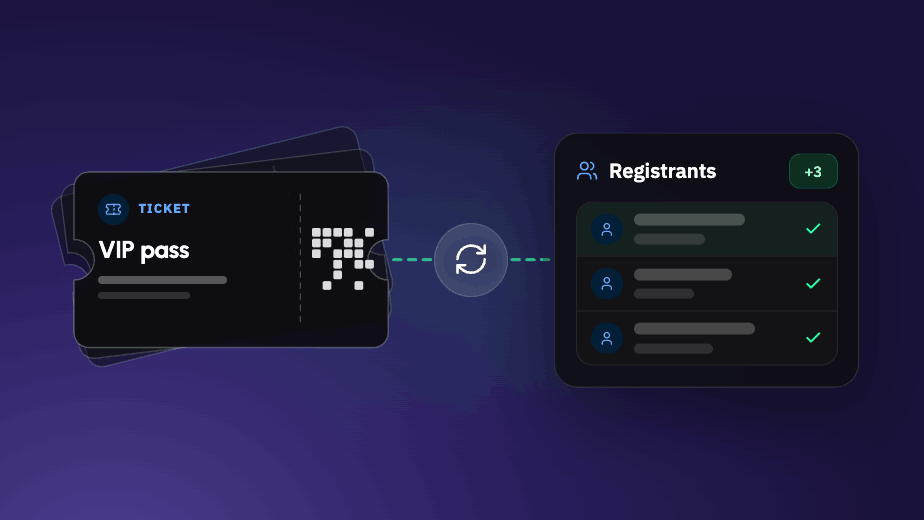
Tito handles registration, and each attendee is sent to Brella right after purchase with their name, ticket type, company, job title, and any other checkout questions. Their profile is ready before they arrive.
Watch it work
A complete walkthrough: building an event in Tito, connecting it to Brella, and watching a live registration appear in the app.
Best-in-class beats all-in-one
Some events need more from ticketing than an event app offers, like tiered pricing, bundles, approval workflows, sponsor allocations, and paid add-ons.
For those events, we connected Brella to Tito, a ticketing specialist.
Registration
Tito has been building event ticketing since 2015 and has processed over $1 billion in ticket sales for conferences worldwide.
Built for events
We build premium event apps that help organizers run better events and help attendees find the people who matter most. Everything we make is designed around the event itself.
Integration
Not a Zapier recipe or a one-off custom build.
Set it up once. It runs itself.
-
01
Connect
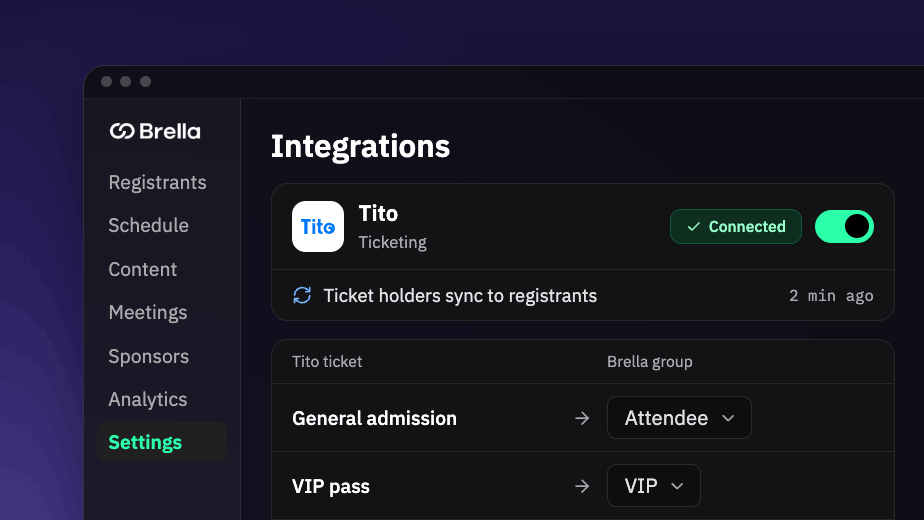
Connect Brella once in your Tito account's Connections settings, then point each event at it with your Brella organization id and event id. Five to ten minutes. No developer required.
-
02
Sell
Registrations flow into Brella automatically. New bookings, detail changes, ticket reassignments and cancellations all sync.
-
03
Go live
Attendees arrive in the app already in the right ticket type group, with their profile filled in before they land.
The detail, plainly
- Direction
- One-way: Tito → Brella. Tito is your source of truth.
- Speed
- Changes reach Brella within a few seconds
- What syncs
- Name · email · ticket type · plus every question you ask at registration, including company, job title and matchmaking fields
- Cancellations
- A cancelled ticket is removed from your Brella event
- Setup
- Five to ten minutes. One account-level connection, then your Brella organization id and event id per event.
- Existing sales
- A catch-up run imports everyone who has already registered.
Attendees arrive with their details already filled in
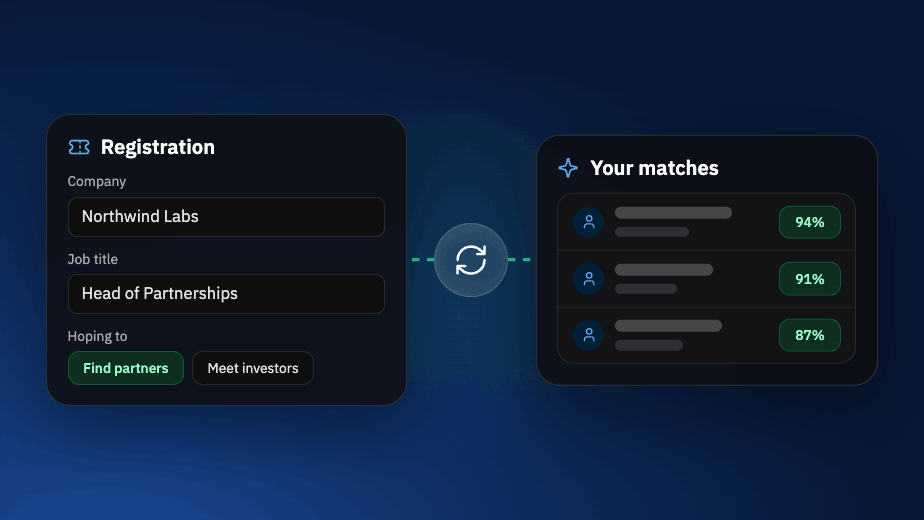
Whatever you ask people when they buy, such as their company, job title, and what they want from the event, goes to Brella with them. Attendees don’t have to enter those details again, and their profile is already filled in when they open the app.
Ask once
Attendees answer at checkout, not again in the app. Fewer drop-offs, better data, and no chasing people the week before the event.
Segment on arrival
Ticket types map to Brella user groups, so sponsors, speakers and general attendees land in the right place automatically.
A profile that's already useful
Company and job title arrive filled in. Attendees can refine their profile, but they don't have to build it from nothing.
Registration that handles the complicated parts
Tito rebuilt their platform around what organisers actually run into. Here’s what that means in practice.
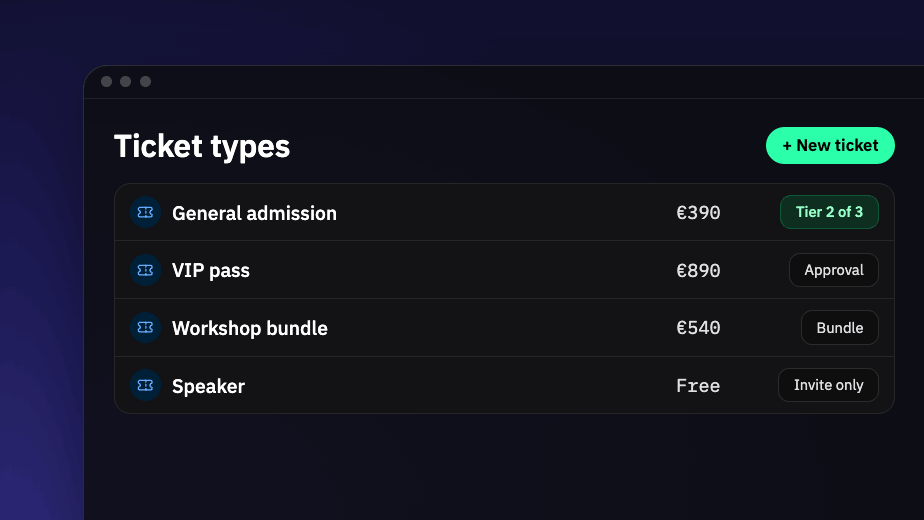
Complex ticketing
Bundles, tiered pricing that advances on its own, and approval workflows with card-on-file for invite-only events. Payments go straight to your own Stripe or PayPal account.
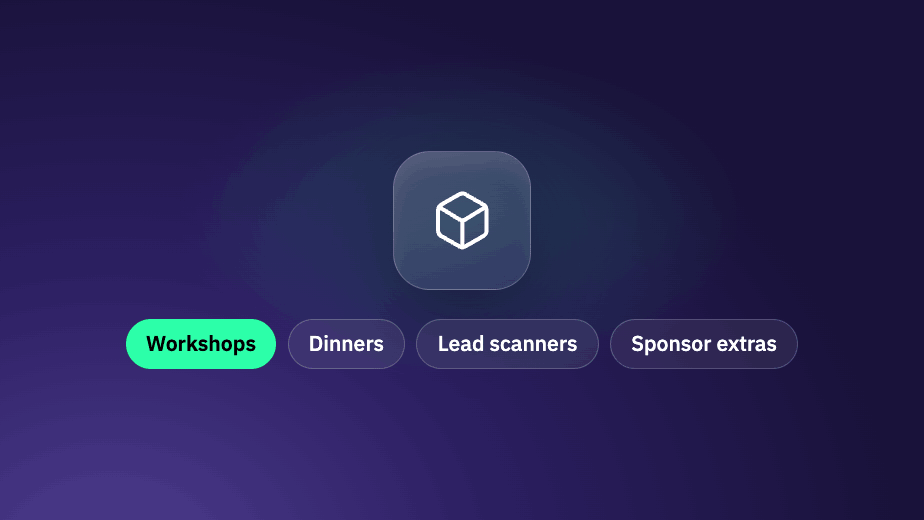
Add-ons and sessions
Workshops, dinners, lead scanners, sponsor extras. Free or paid depending on who’s buying, attached to whichever ticket types you choose.
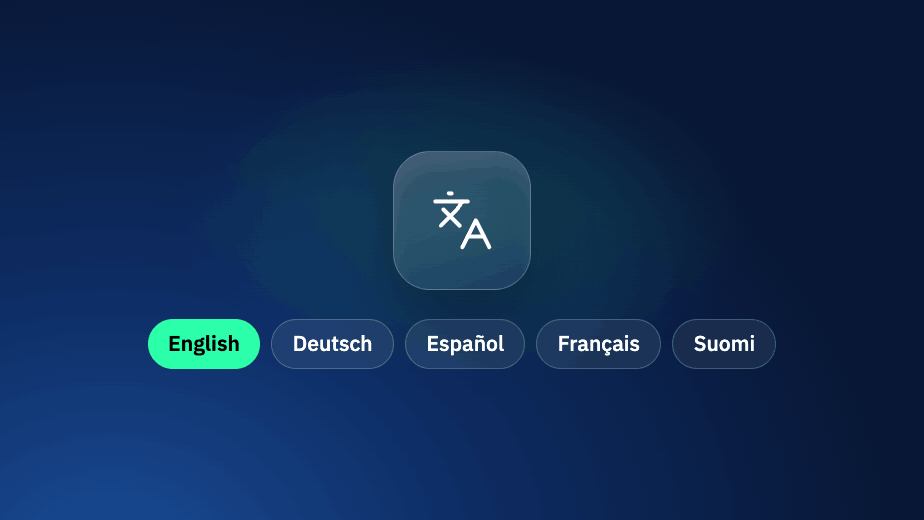
Your attendees’ language
Run the whole registration flow in multiple languages, every line translated and published on your schedule. Tito’s own buyer-facing screens ship in 20.
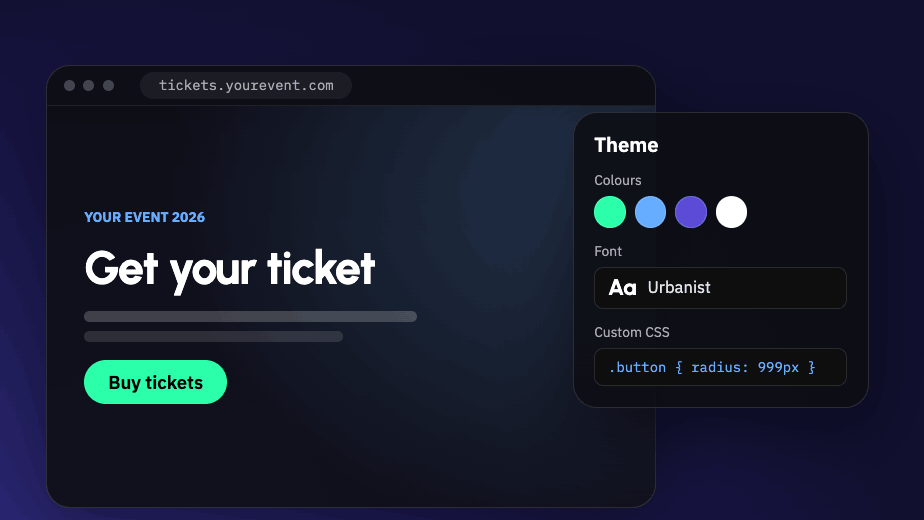
Your brand, not theirs
Embed the widget on your own site with no code, or host pages on your subdomain. Edit every line of copy, every email, fonts, themes and CSS.
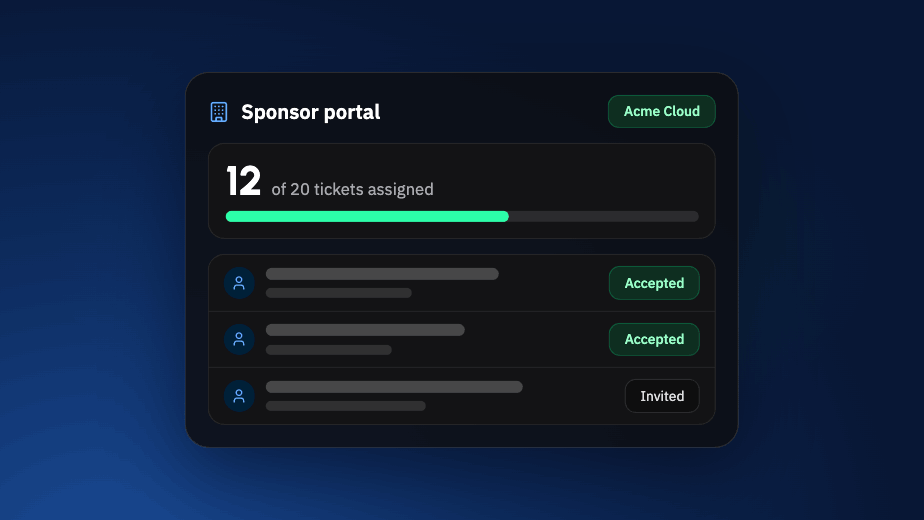
Sponsors and groups
Every sponsor, partner or speaker group gets a self-serve hub: their allocation, invitations by link or CSV, swaps without emailing you. Request logos and bios back.
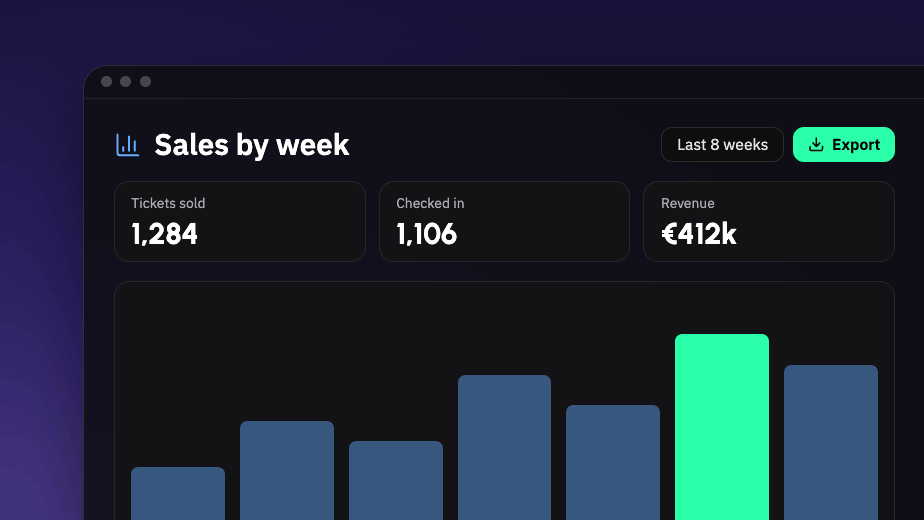
Reporting you control
Build and save your own views of sales, attendees and check-ins, then export. Plus UTM tracking and registration events fed into your own analytics.
Tito fits most professional events
It’s built for the ones on this list in particular. Where Tito isn’t the right answer, we say so.
A strong fit if you run
- +Conferences, trade shows and invitation-only events
- +Events with several kinds of ticket, or several audiences
- +Events with workshops, sessions or day passes
- +Events where sponsors need tickets set aside
- +Events where you ask questions at registration, or approve people before they attend
- +Events with a clear idea of how your pages should look
Look elsewhere if you need
- ×Allocated or reserved seating
- ×Split payments across multiple buyers
- ×Heavy accounting or e-invoicing workflows. Tito is not an invoicing platform
Not a fit for Tito? Brella connects with Swoogo and many other registration platforms, and we’ll help you find the one that suits your event.
A decade of doing one thing well
Who you'll actually be talking to
Tito’s support comes from the same UK and Ireland team that builds the product, so questions reach people who know it inside out. They support every customer Brella introduces, from their first event onwards, and your Brella Customer Success Manager stays with you throughout.
Questions, answered
No. It's one-way: Tito → Brella. Changes you make in Brella won't appear in Tito, so treat Tito as your source of truth for registration data.
Five to ten minutes. You'll need access to your Tito account's Connections settings, plus your Brella organization id and event id.
Yes. A catch-up run imports everyone who has already registered.
Each attendee's name, email and ticket type, plus the answers to every question you ask at registration, including company, job title and matchmaking fields. Detail changes, ticket reassignments and cancellations sync too.
Yes. What you ask at checkout comes across with the attendee, which is what lets Brella start matching straight away.
Into your own Stripe or PayPal account. Tito doesn't hold your funds.
No. Tito works on its own, Brella works on its own, and Brella integrates with plenty of other registration platforms.

Tell us about your event
We'll look at your ticket types, your sponsors and your timeline, and give you a straight answer on whether Tito is the right fit, then introduce you to the Tito team directly if it is.